Augment

Mobile App UX Patterns: Navigation, Gestures, and Thumb Zones

Phones are held, tapped, and swiped with one hand in unpredictable places. Good mobile design starts from that reality.

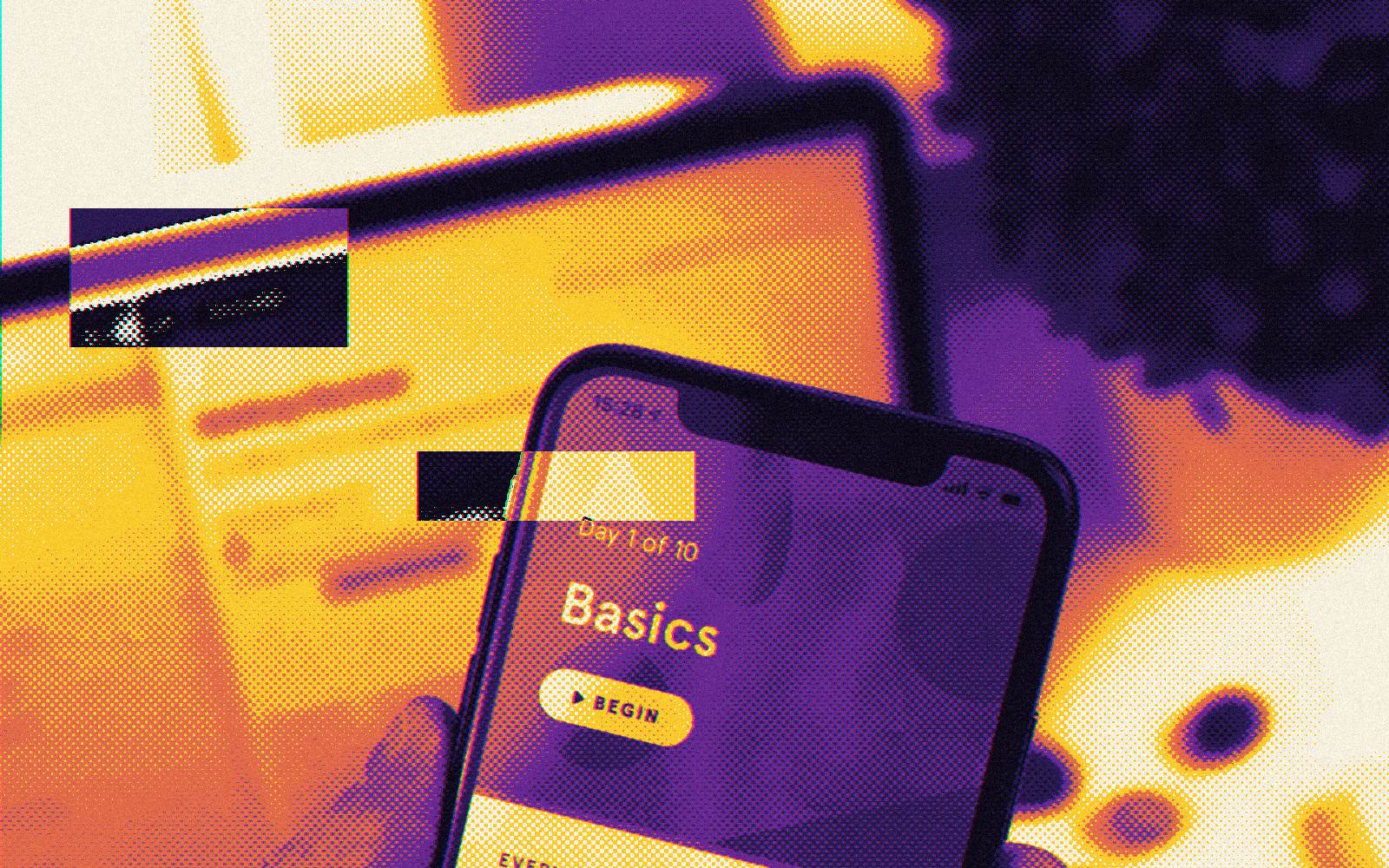
A hand holding a smartphone with a learning app on screen
Photo by Daniel Korpai on Unsplash, with an Augment halftone treatment
Executive Summary

Key Takeaways

  • Put the most used actions within easy thumb reach, usually in the lower half of the screen.
  • Use platform conventions for navigation and gestures. Users already know them.
  • Make touch targets big enough: Apple suggests 44 points, Material Design 48 dp.
  • Keep flows short and forgiving. People use phones in distracted moments.

Design for how phones are used

People use phones while walking, waiting, and holding other things. Attention is partial and interruptions are common. Mobile design should reduce the number of steps and make each one forgiving.

Size and spacing for fingers

Apple's guidelines point to a minimum tappable area of 44 by 44 points. Material Design uses 48 by 48 dp. You can keep a small visible icon and enlarge the tappable area with padding. Leave enough space between targets so people do not hit the wrong one.

Gestures with care

  • Use standard gestures: swipe back, pull to refresh, swipe to delete.
  • Never make a gesture the only way to do something. Provide a visible alternative.
  • Confirm or allow undo for destructive swipes.
  • Hint at hidden gestures the first time users meet them.

Test on real devices

Simulators hide problems with glare, one-handed use, slow networks, and small screens. Put prototypes in people's hands, in real places, and watch what happens.


Frequently Asked Questions

Apple recommends 44 by 44 points and Material Design recommends 48 by 48 dp.

Sources and further reading

  1. Human Interface GuidelinesApple · Undated page · Accessed
  2. Material Design 3Google · Undated page · Accessed
  3. What's New in WCAG 2.2W3C Web Accessibility Initiative · Updated · Accessed

Credits

  • Written by Augment Editorial Team, Product design and engineering, Augment Lab.
  • Cover photo Photo by Daniel Korpai on Unsplash, with an Augment halftone treatment, used under the Unsplash License.
  • Research Statistics and standards are cited from the sources above. Always check the original page for the latest version.

Augment Product Design

Ready to make your product clearer?

From first concept to go-live, we turn complex product ideas into clear, useful experiences.

Mobile App UX Patterns: Navigation, Gestures, and Thumb Zones | Augment. Lab