
Invitation first.
Access, invites, and profiles are designed around a network that grows by introduction.
Spherule connects alumni, researchers, and founders in one invitation-only network. We designed the product end to end, from sign-in to the AI assistant, in a standard and a glass-dark theme that work from desktop to phone.
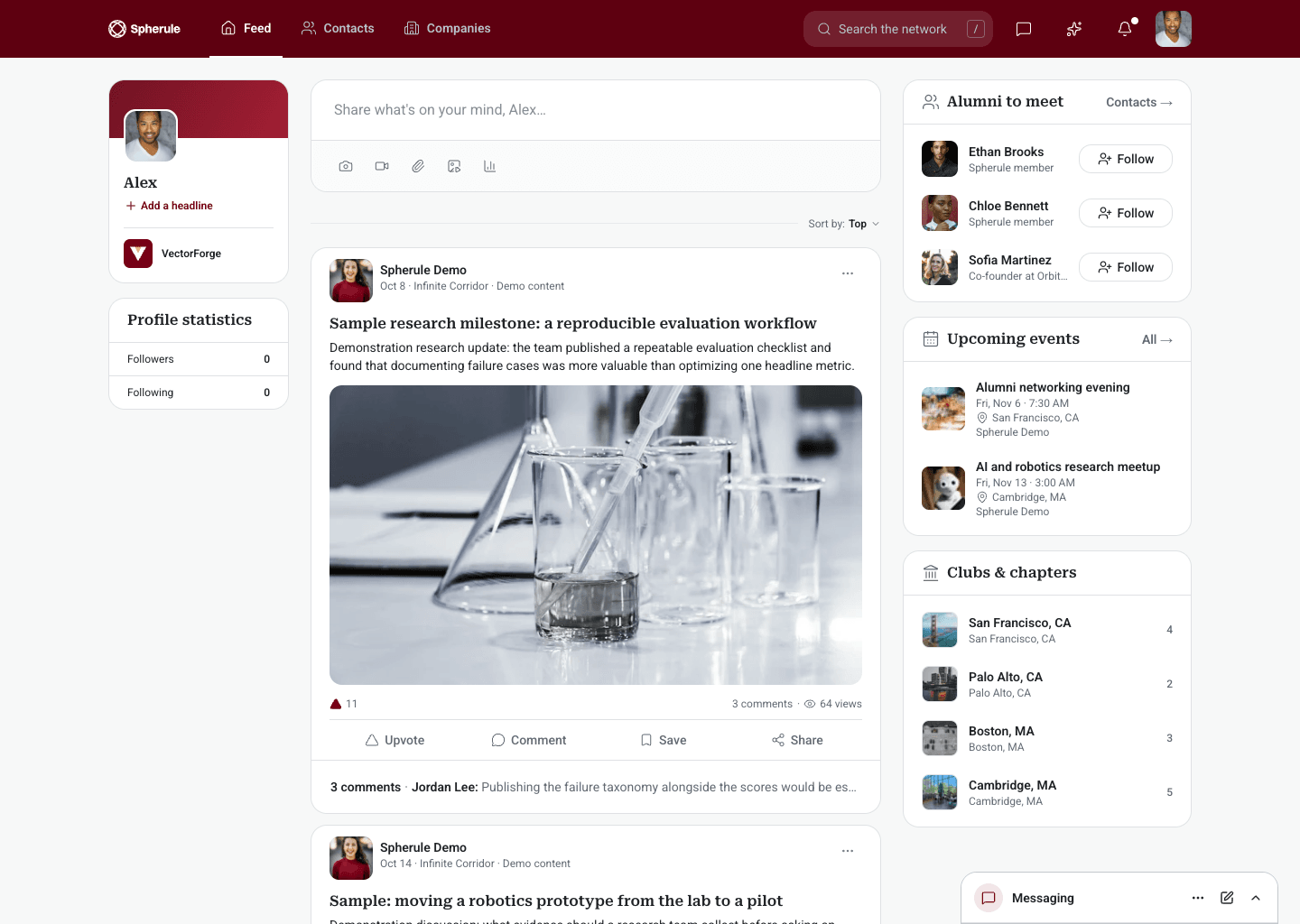
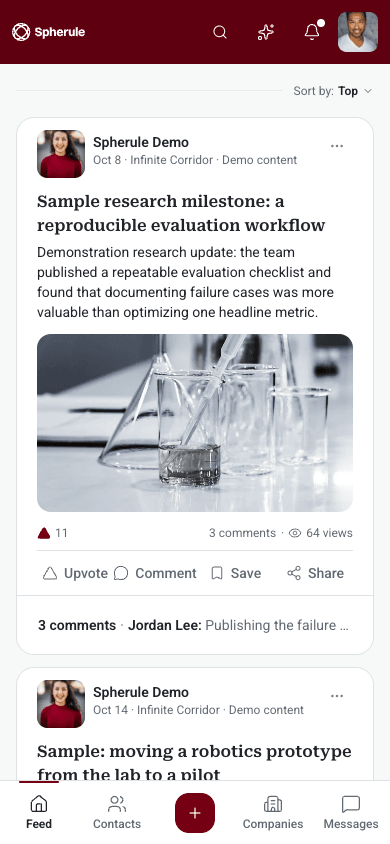
A member might come to post an update, find a co-founder, check an event, or ask the AI assistant who works on robotics nearby. Each is a different kind of task, and the network had to hold all of them without feeling busy.
One navigation bar, a single maroon accent, serif headlines, and consistent cards tie the modules together. The glass-dark theme keeps the same layout and emphasis, so members never relearn the product when they switch.
Access, invites, and profiles are designed around a network that grows by introduction.
Standard and glass-dark share structure, spacing, and reading order screen for screen.
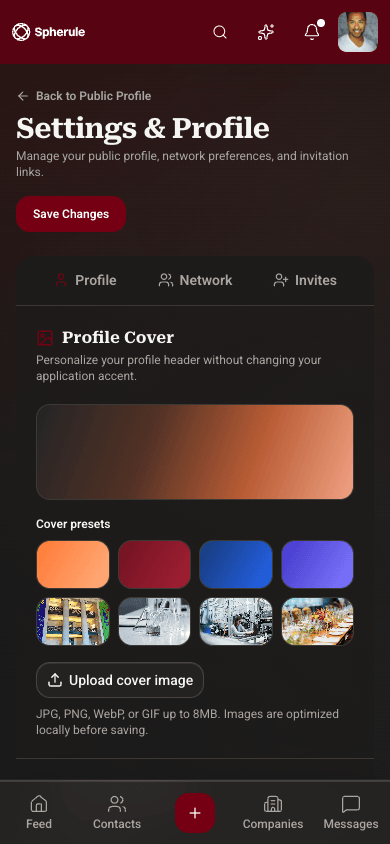
Side columns step back and a bottom bar takes over, so every module works one-handed.
Switch between the standard and glass-dark themes to see how each screen carries over. Desktop and mobile stay side by side throughout.
Sign in
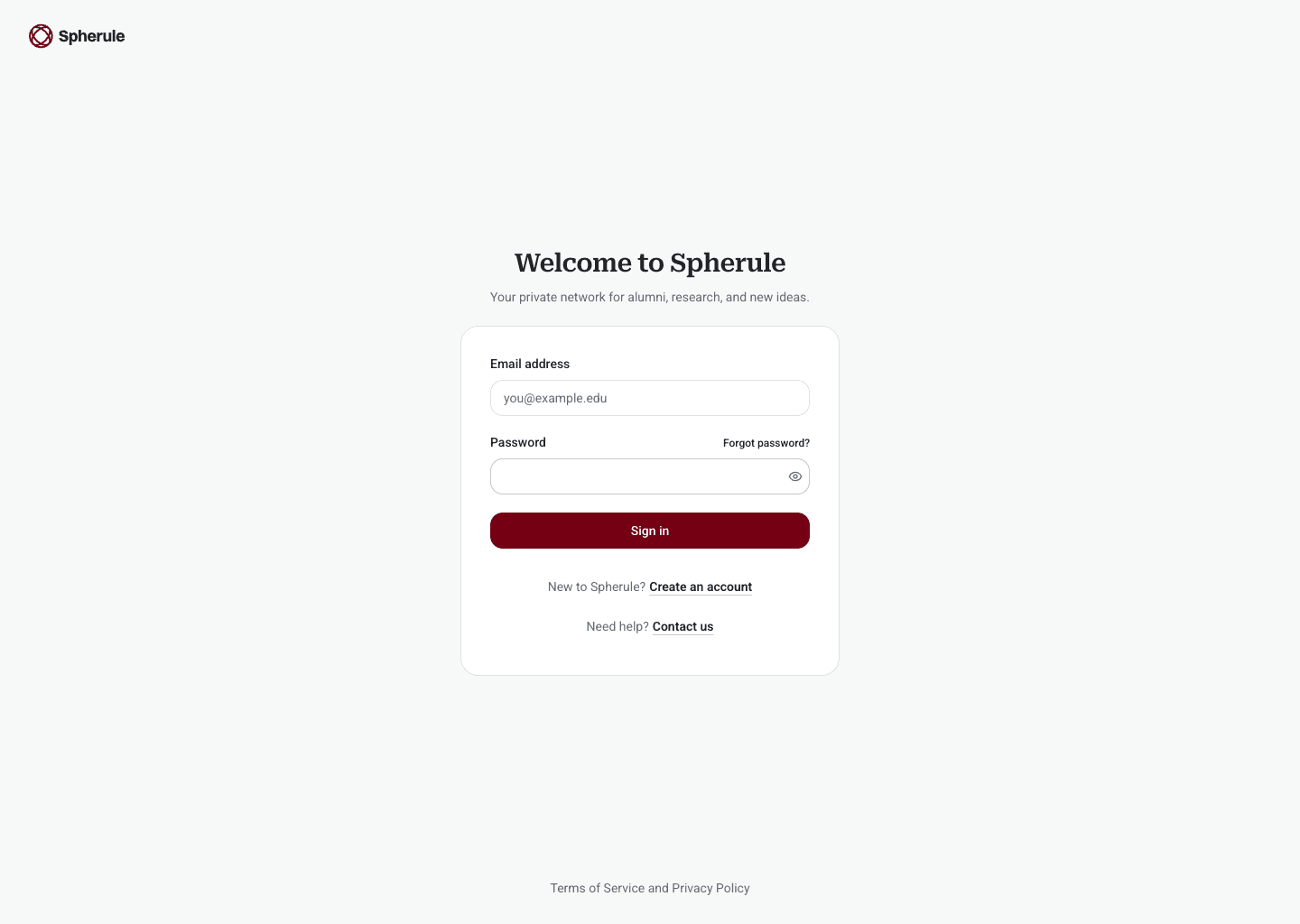
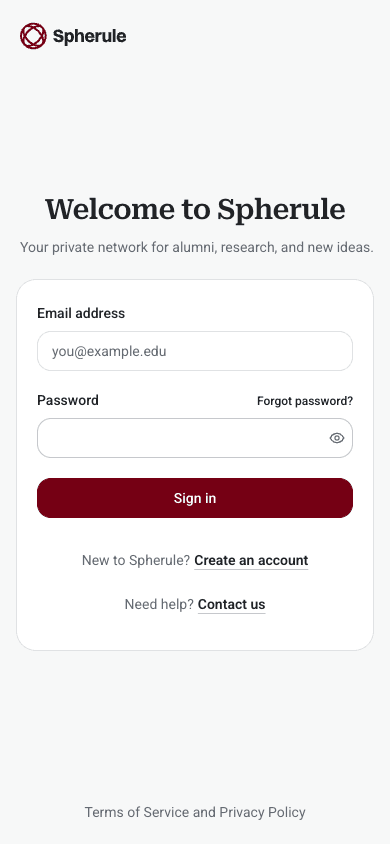
Spherule is invitation-only, so the sign-in screen stays simple: email, password, and a clear route to request access or get help. The same card carries over to the phone unchanged.
Create account
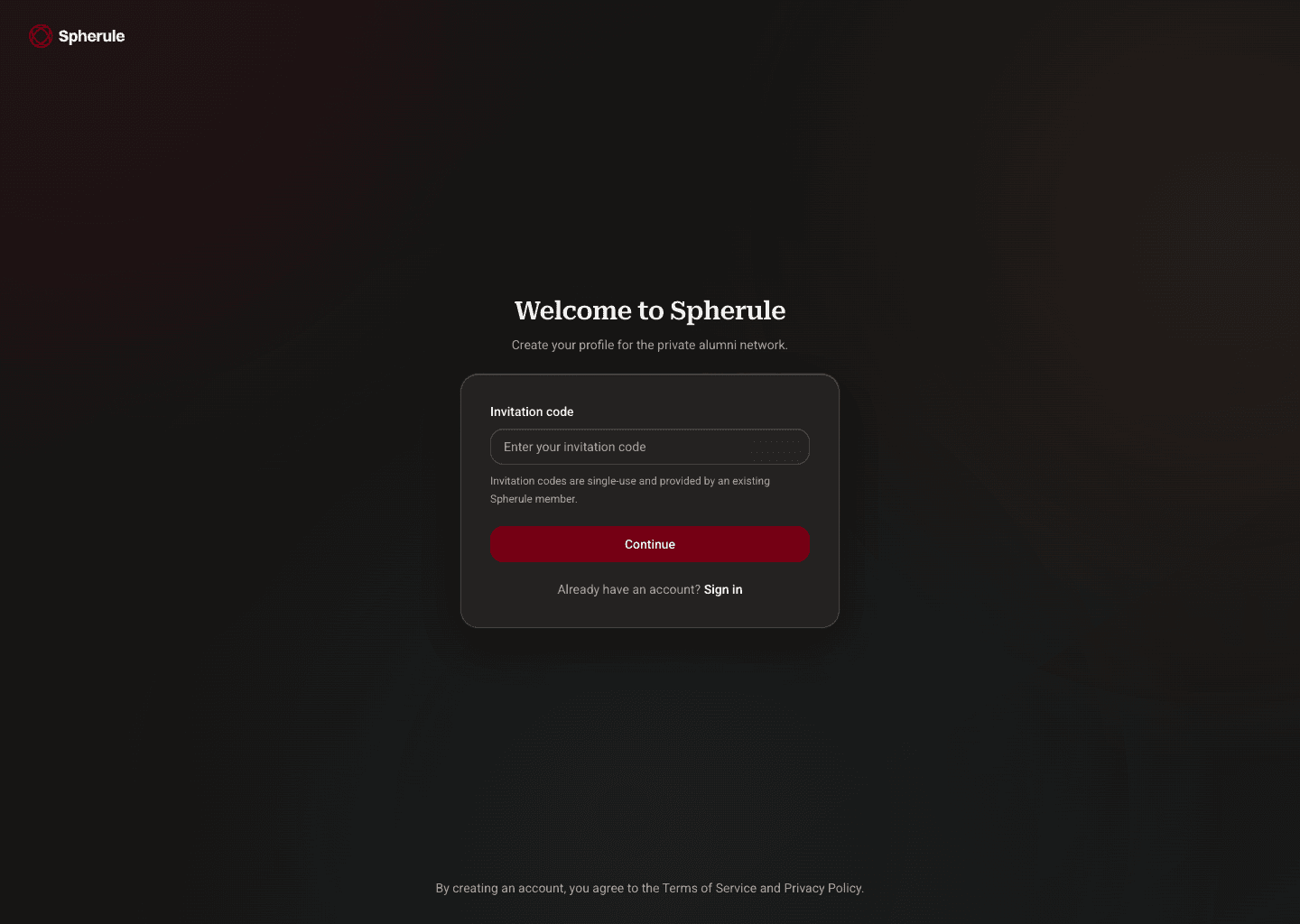
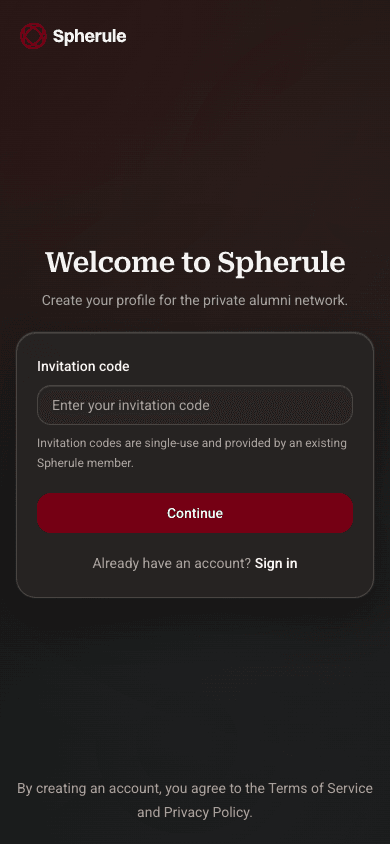
New members enter the code they were sent before creating a profile, which keeps the network private without adding extra steps to the form.
Contacts
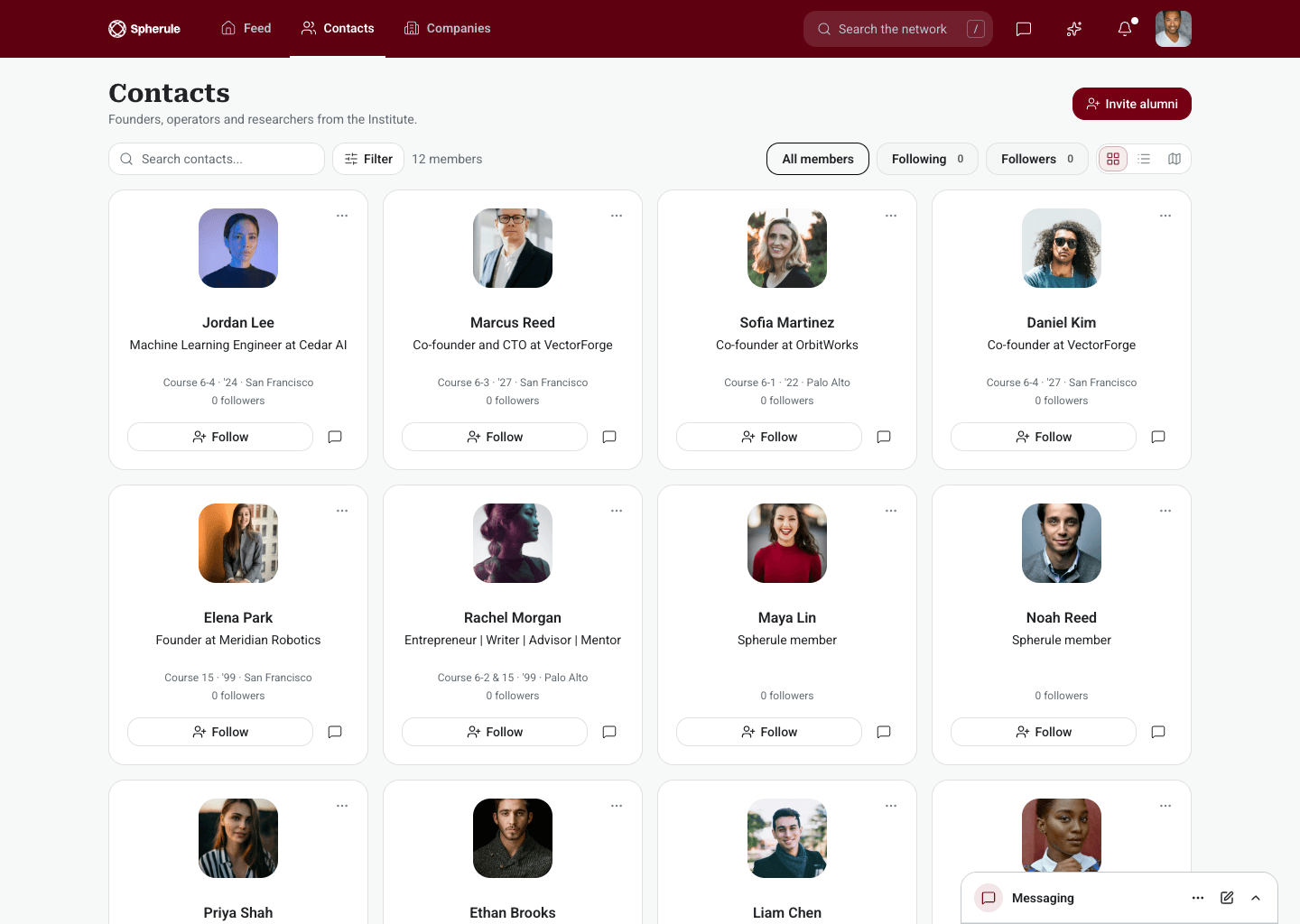
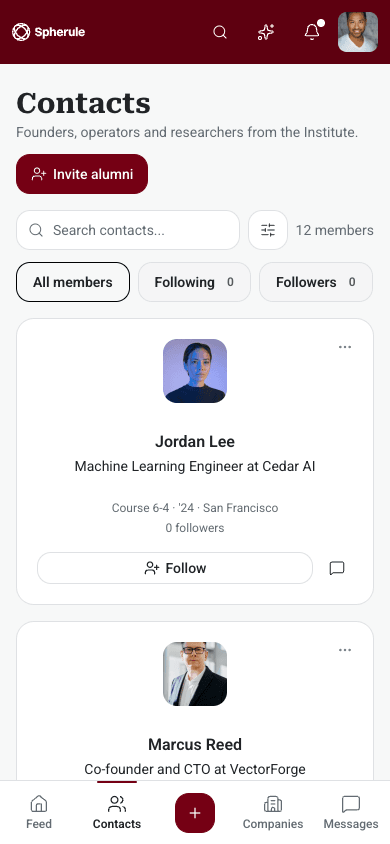
The contacts directory shows each member's role, company, and location, with filters for following and followers. Cards stack into a single column on mobile.
Companies
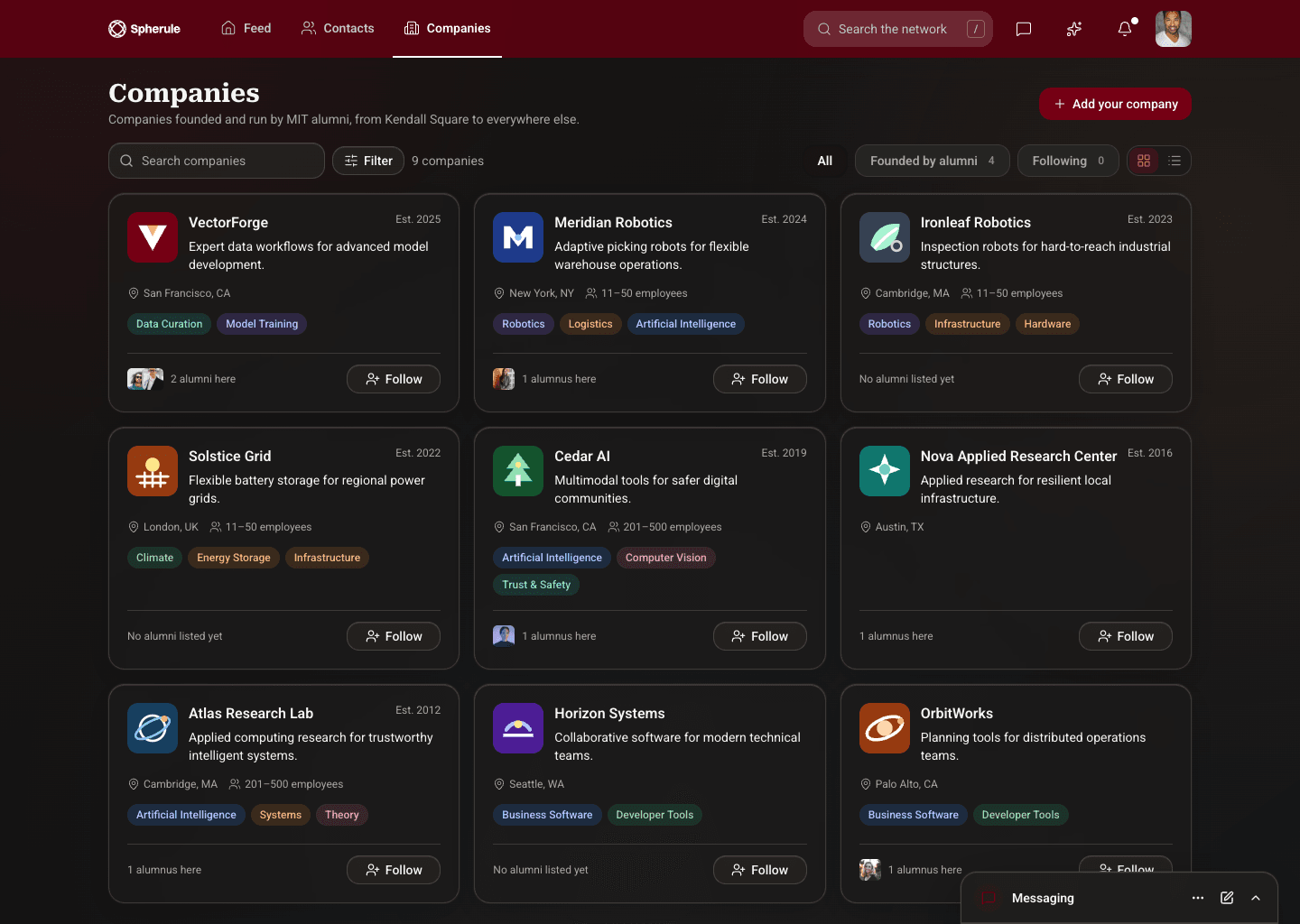
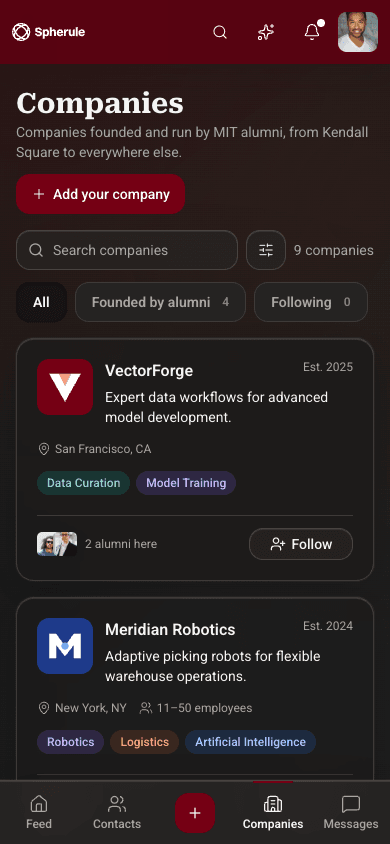
Each company card shows what it does, where it is based, its size, and its focus areas, so members can see who is building what across the network.
Company profile
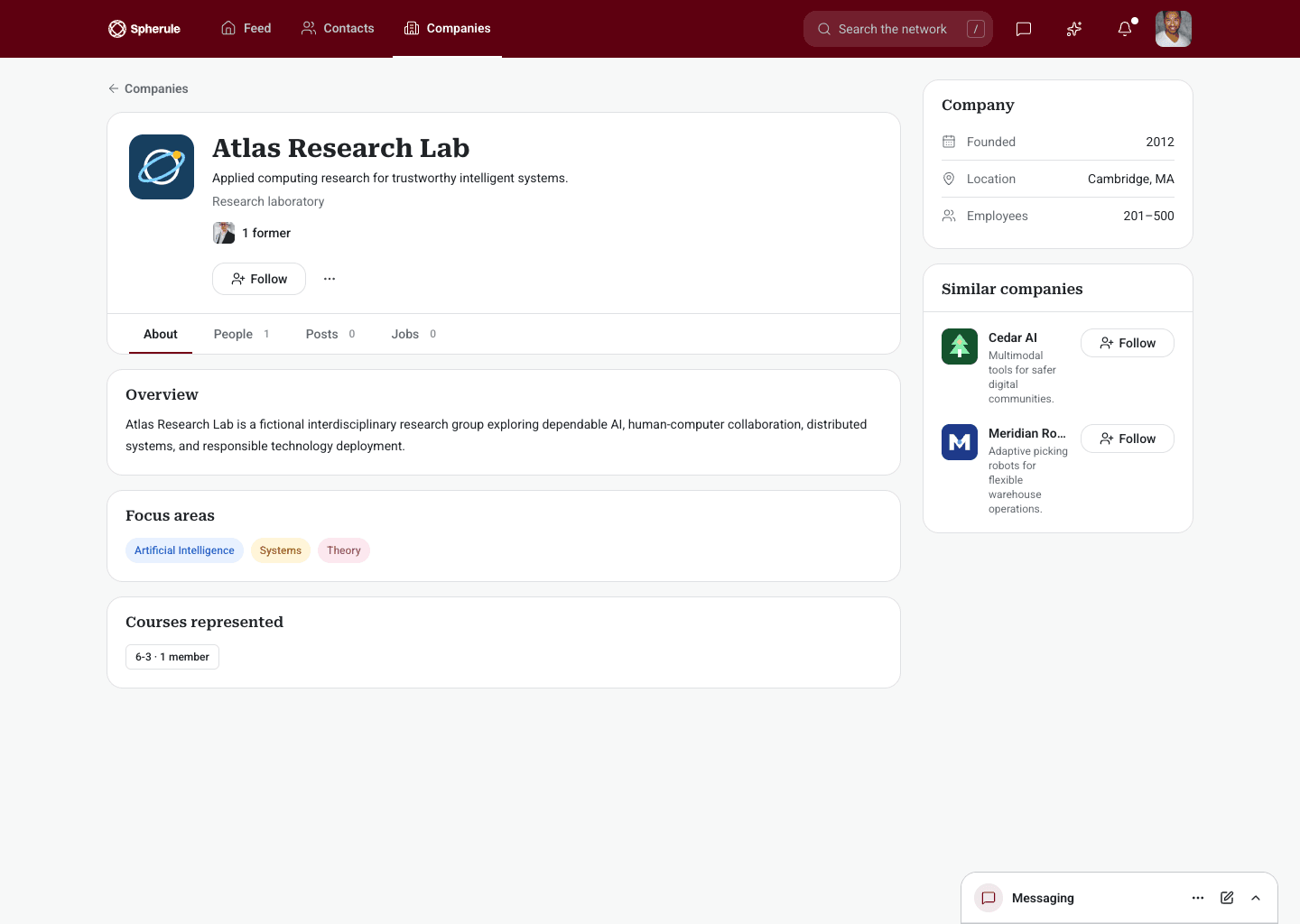
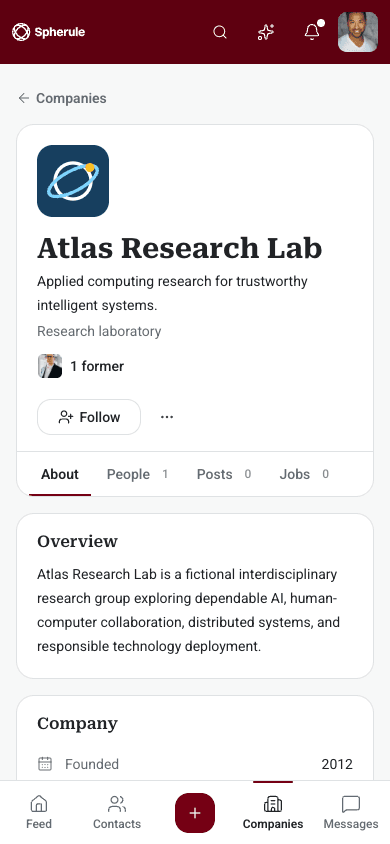
A company profile brings together its overview, people, posts, focus areas, and key facts, with similar companies suggested on the side.
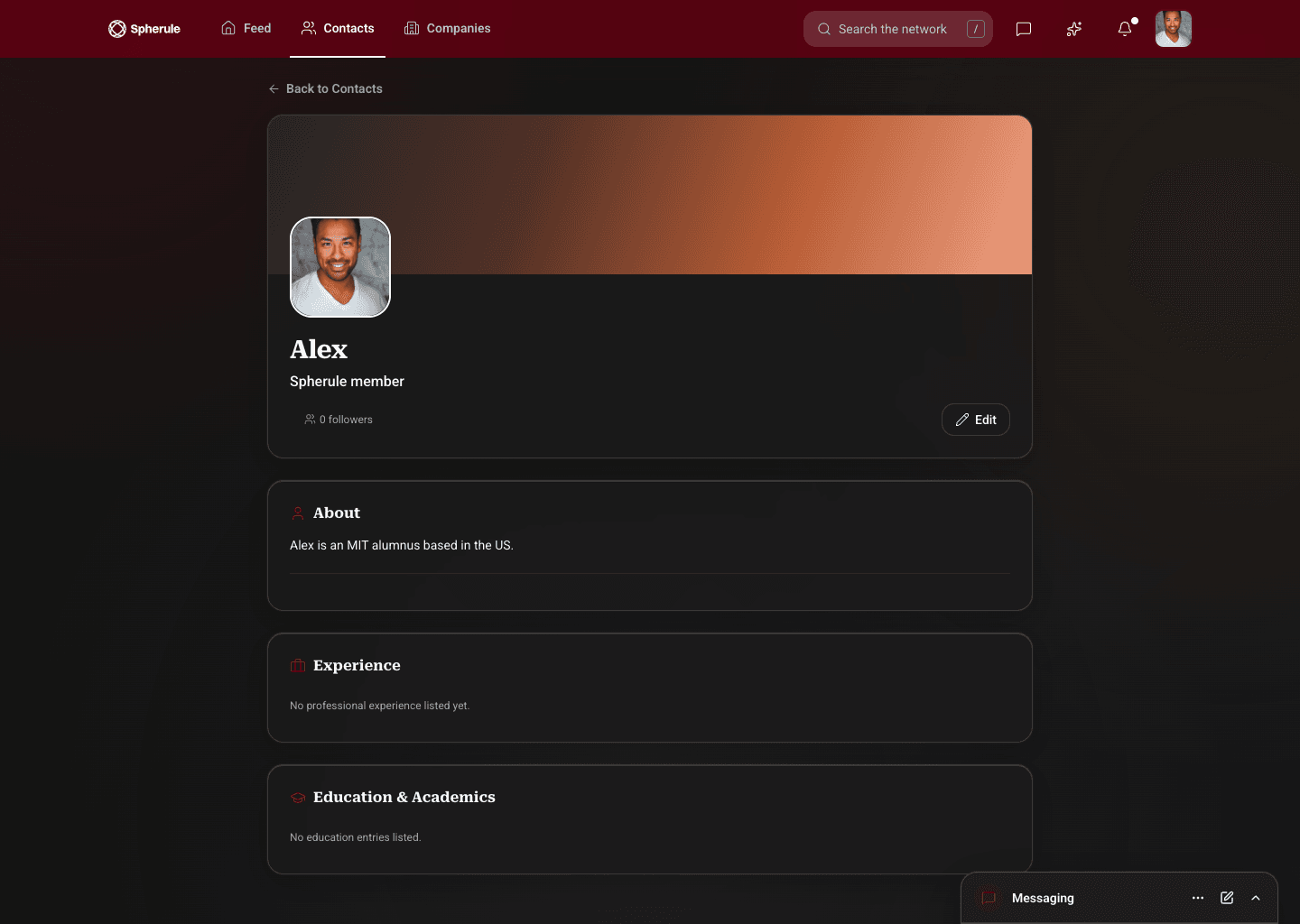
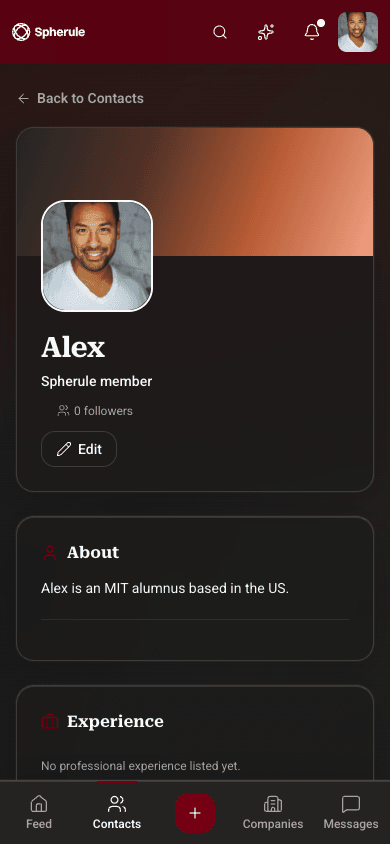
Member profile
Member profiles cover the basics people look for before reaching out: who someone is, their experience, and their education.
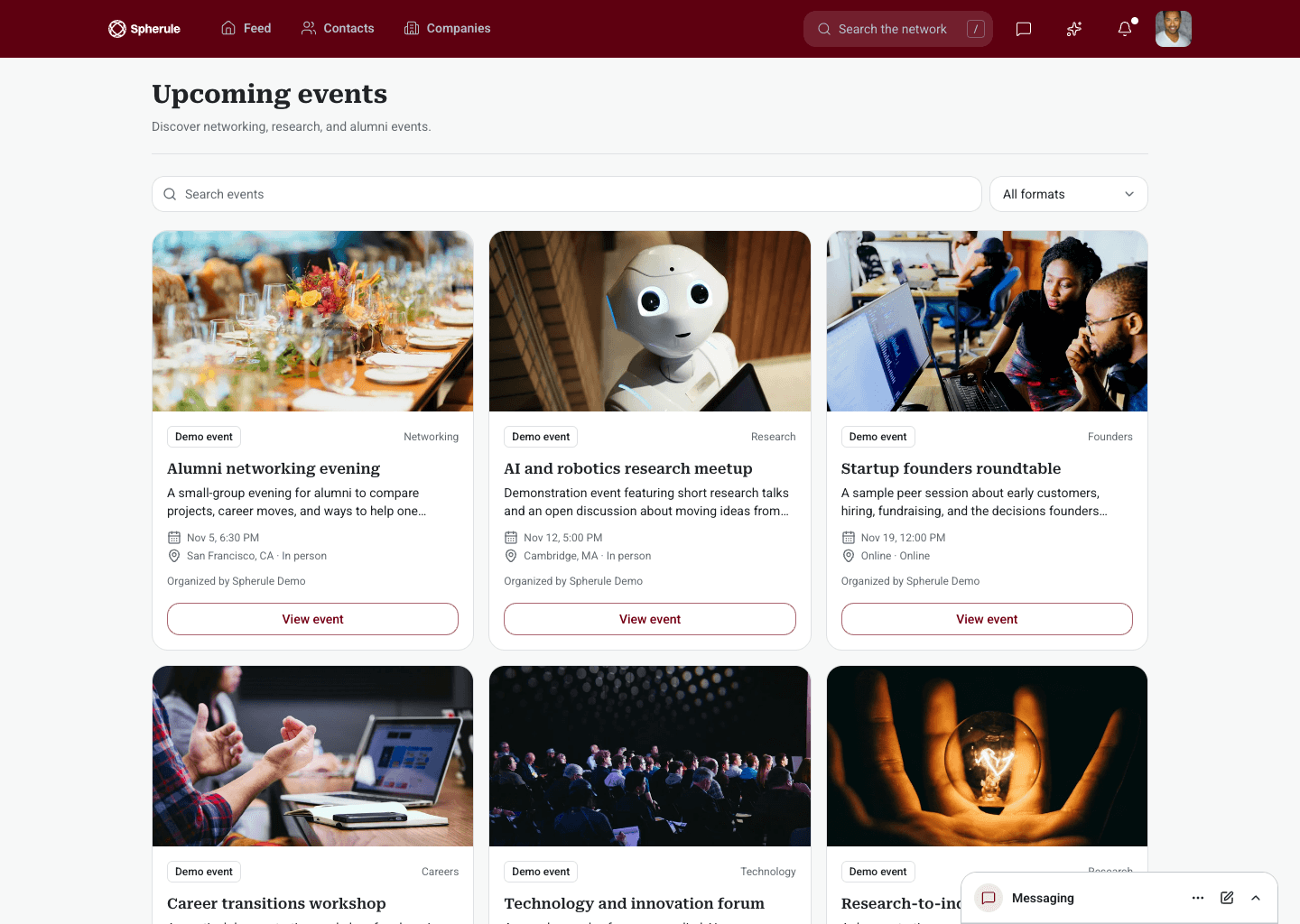
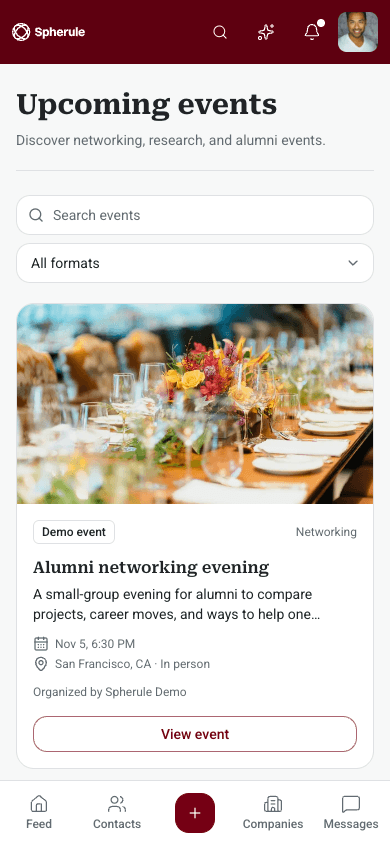
Events
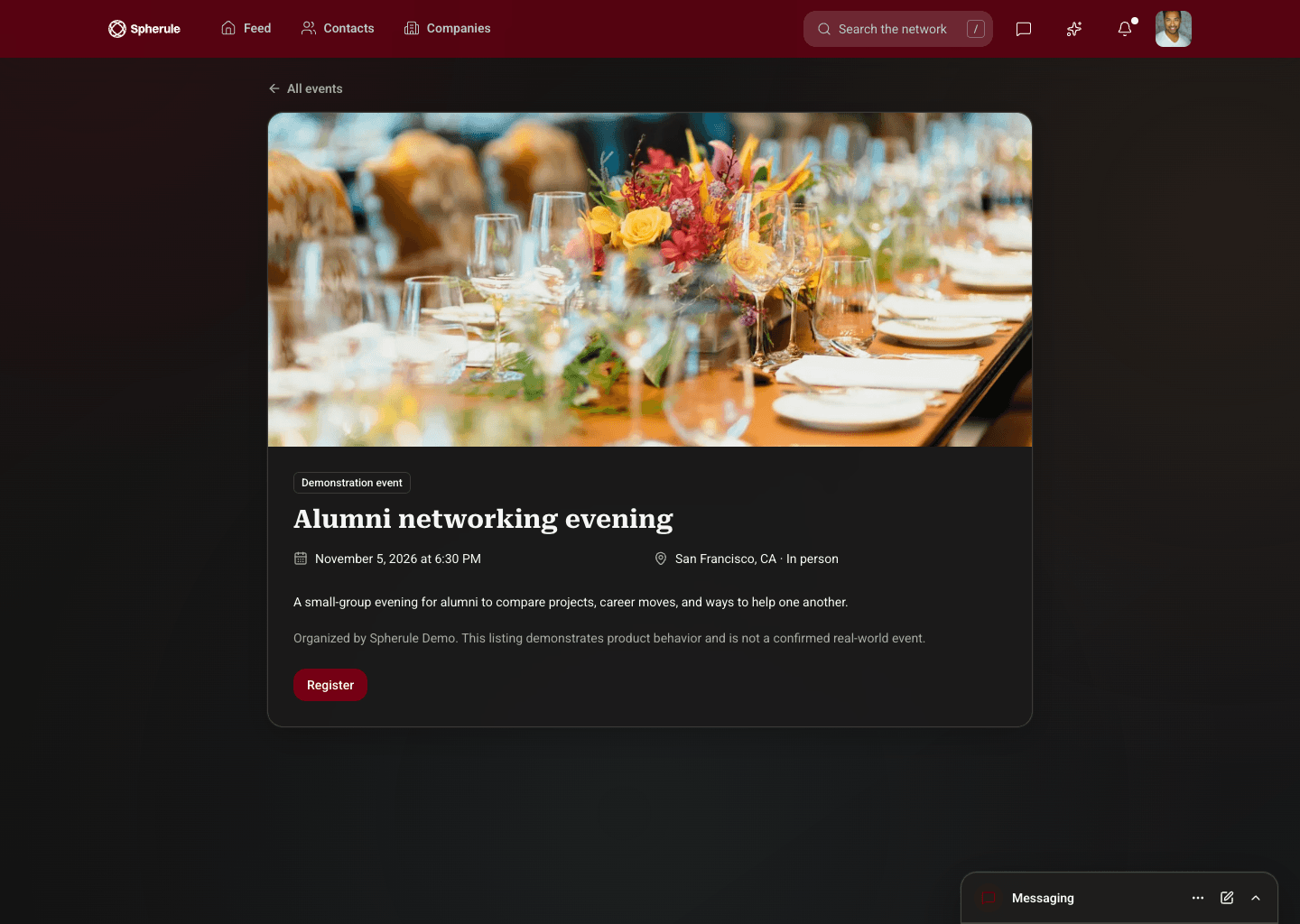
Events are shown as image cards with the date, place, and organiser, so members can scan what is coming up and open the ones that interest them.
Event detail
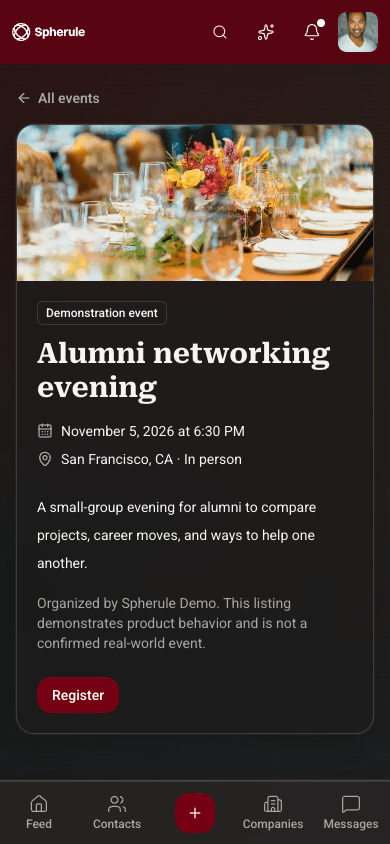
Each event page leads with a photo, then the date, location, description, and a single register button.
Invitations
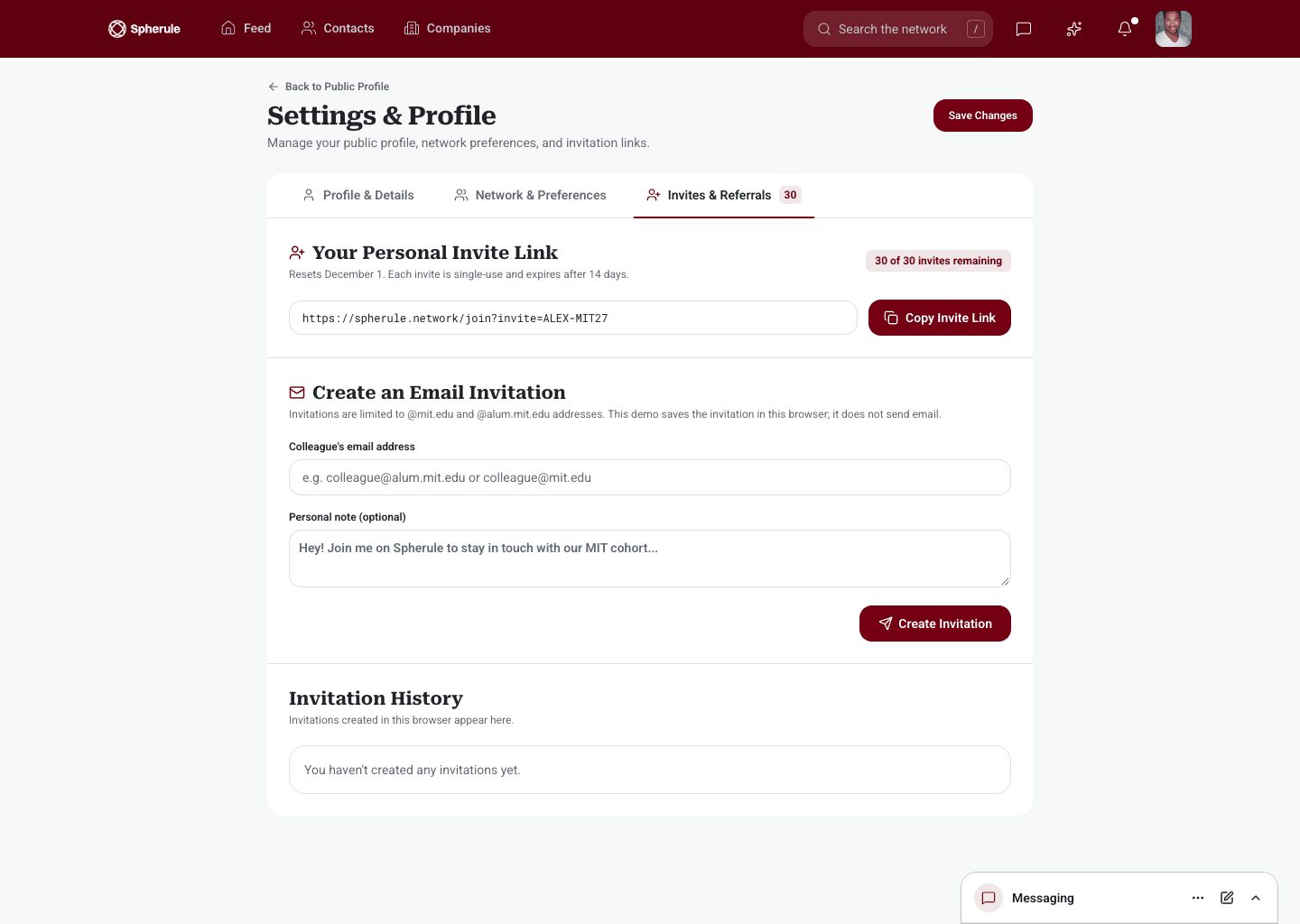
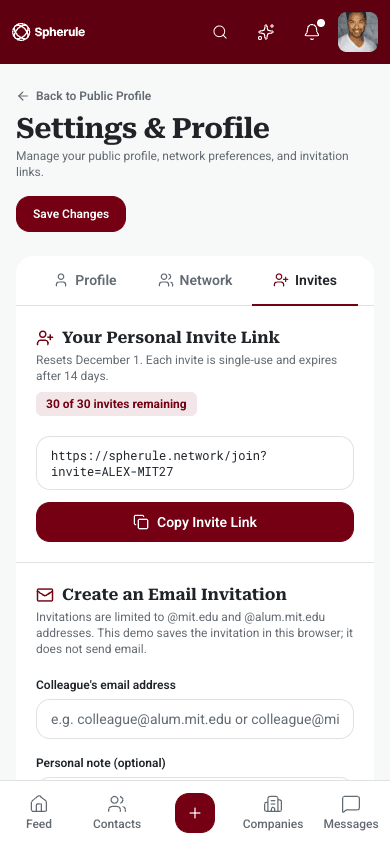
Members can copy a personal invite link or send an email invitation with a note, and see the history of everyone they have invited.
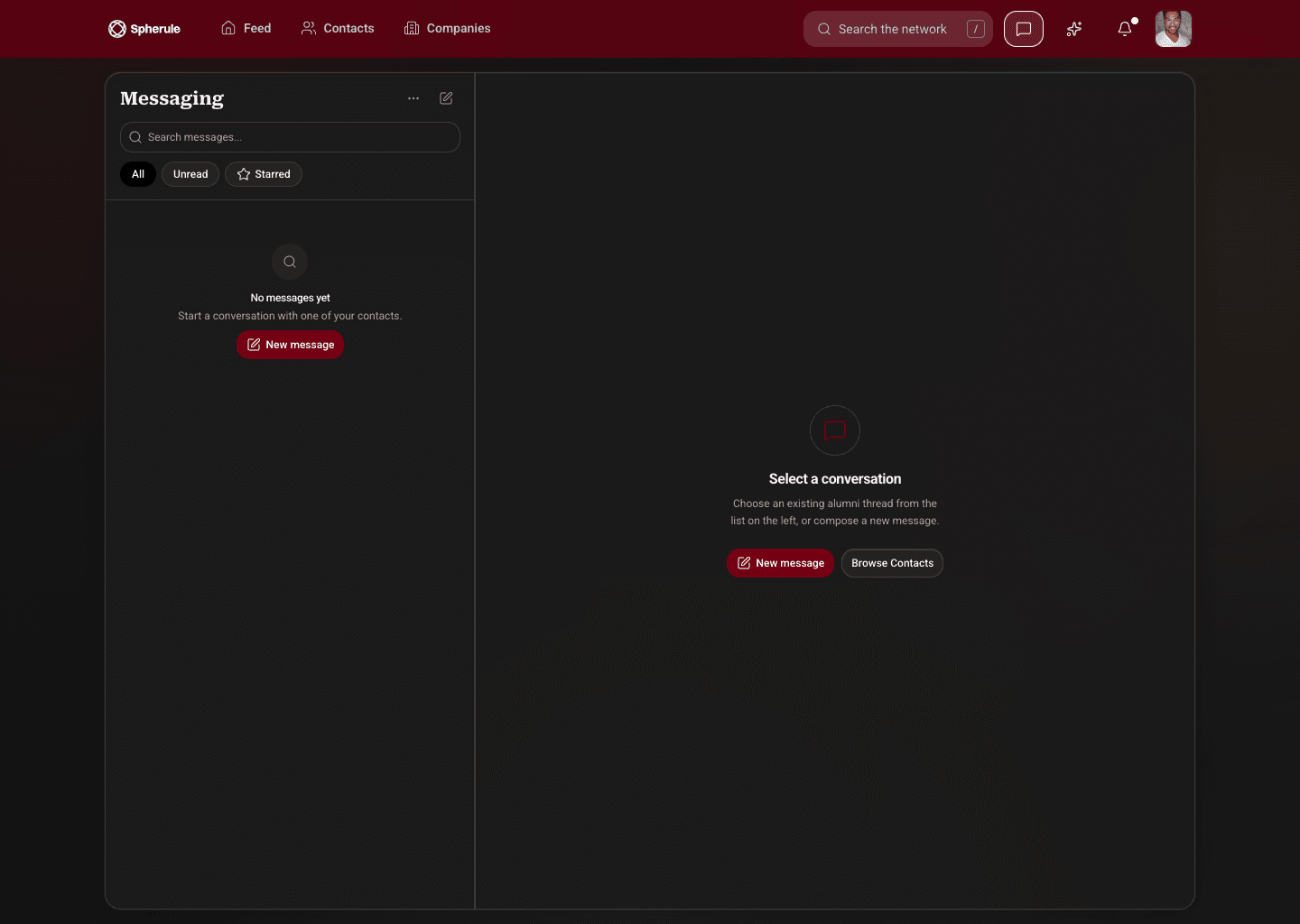
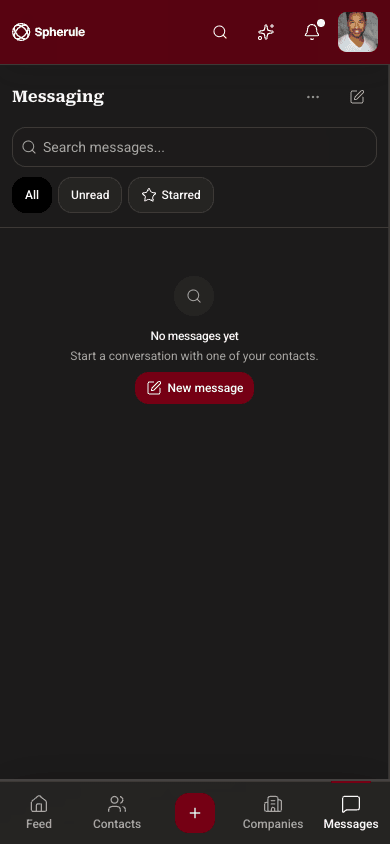
Messaging
Messaging keeps a searchable inbox beside the open conversation on desktop. On a phone, the inbox and the conversation each get the full screen.
AI assistant
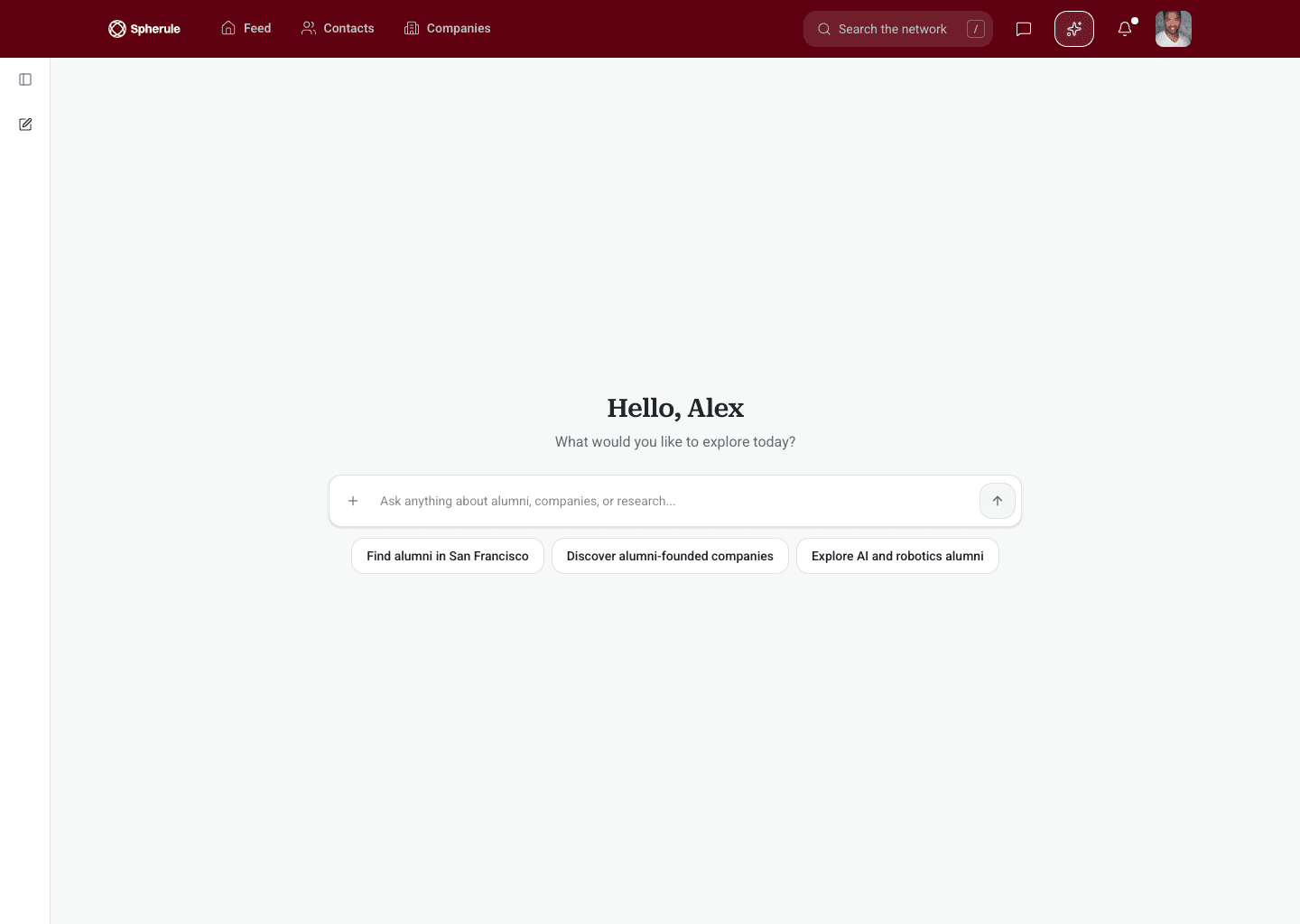
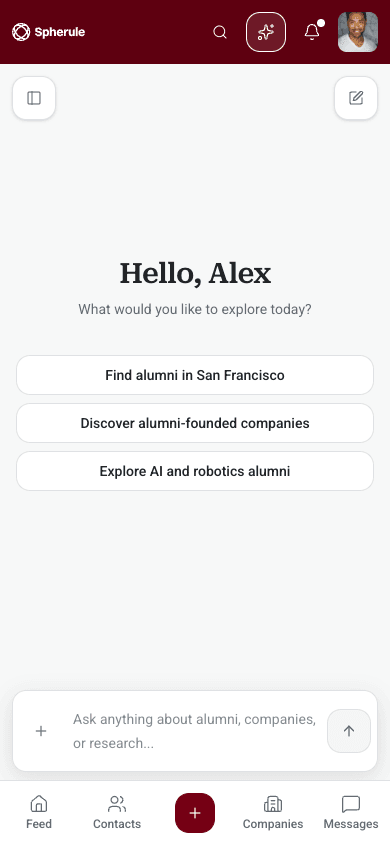
The AI assistant opens with a single prompt and suggested questions, such as finding alumni in a city or companies founded by members.
Settings
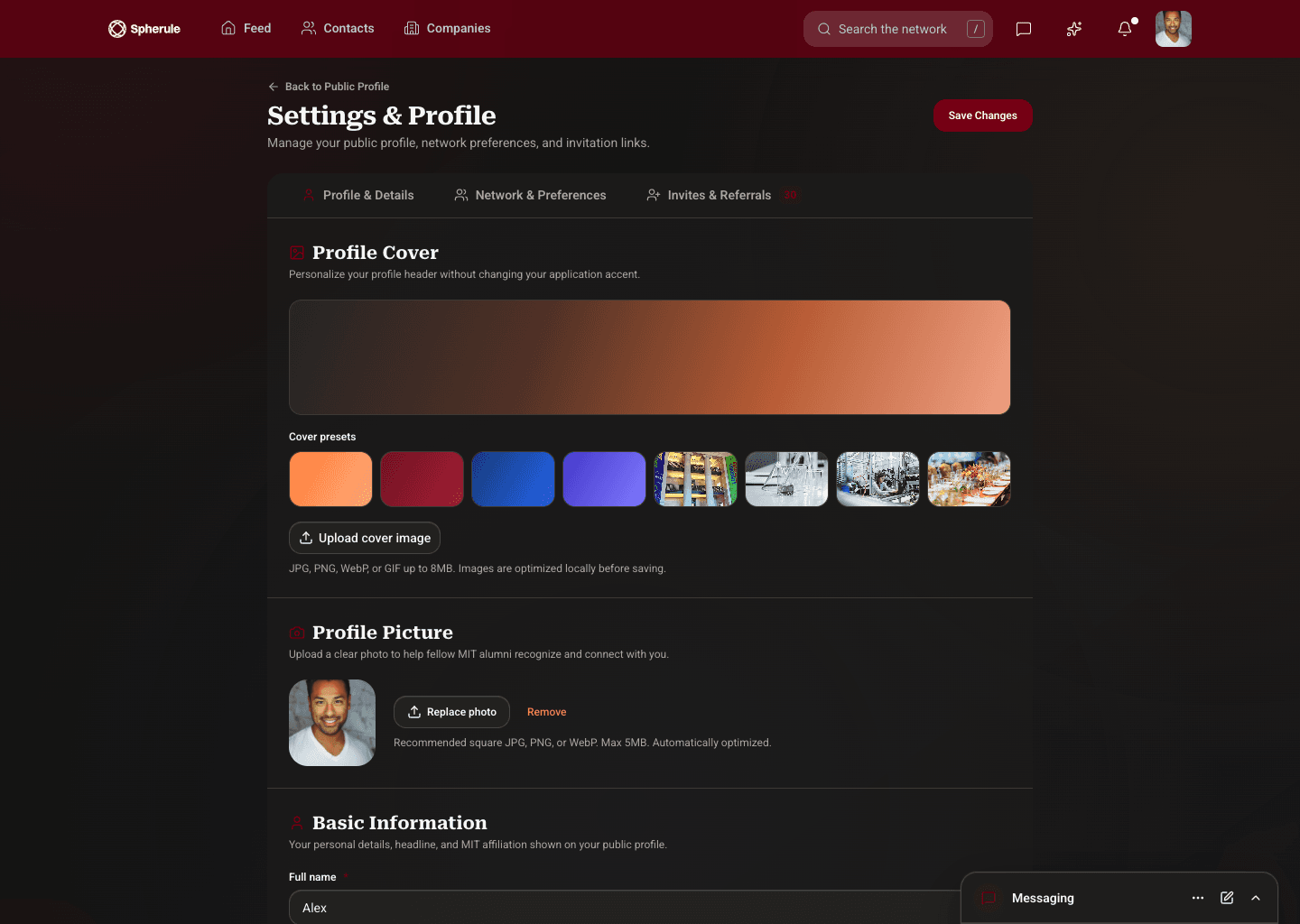
Settings groups profile details, network preferences, and invitations into tabs, with cover image presets and photo upload kept close at hand.
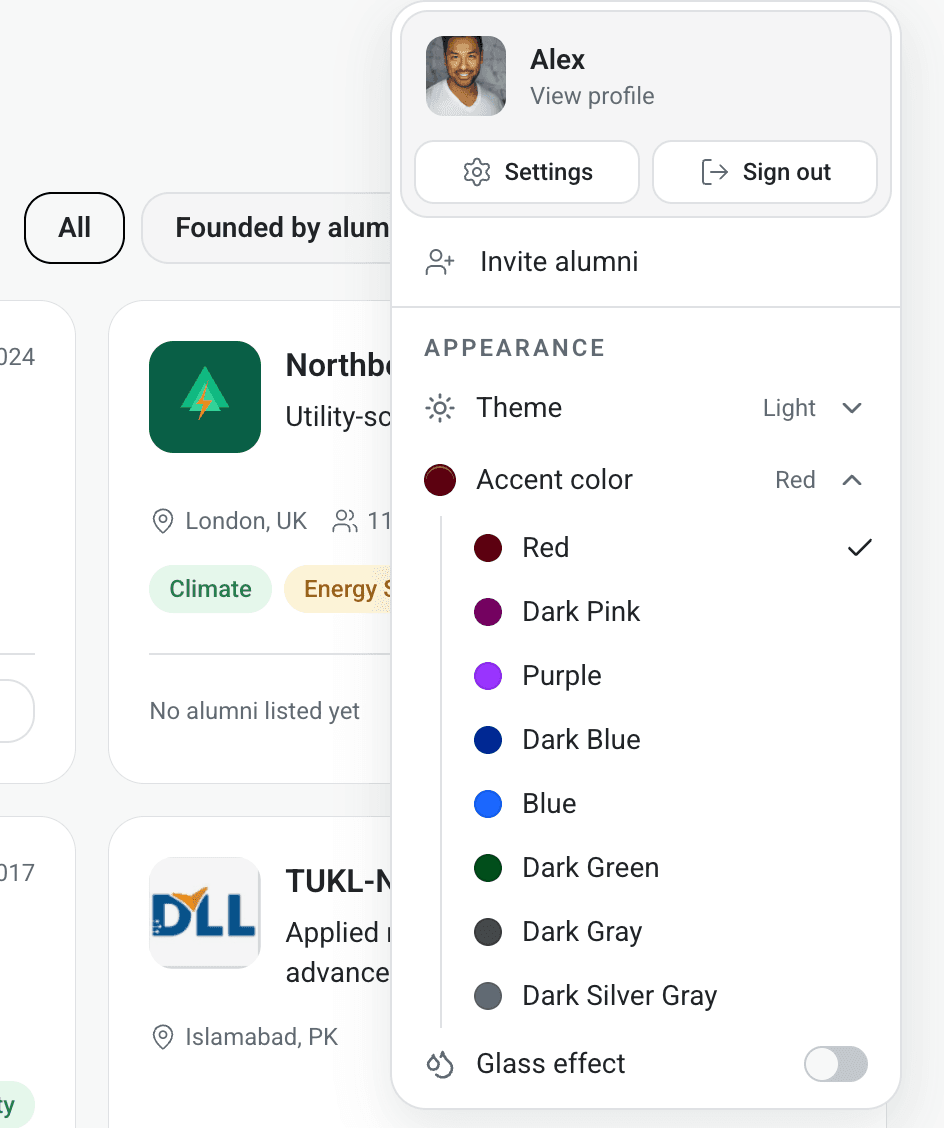
Every member can set the look of Spherule from one appearance menu: a light or dark theme, an accent colour, and an optional glass effect.
The accent drives buttons, the navigation bar, links, and highlights across every module. Each option is a deep, saturated tone chosen to keep white text readable on top of it, so switching colour never costs contrast.
Red is the default. The glass effect layers translucent panels over the theme, and works with any accent in light or dark.
The same components run through sign-in, the feed, directories, events, messaging, and settings, so new modules can be added without redesigning the ones that exist.
Both themes are part of one system, and every screen was designed for desktop and phone together rather than adapted after the fact.
Building a community product?
Bring us the network, the members, and the moments that matter to them. We'll help you design a product people want to come back to.